Create And Import Wallets
Create a wallet
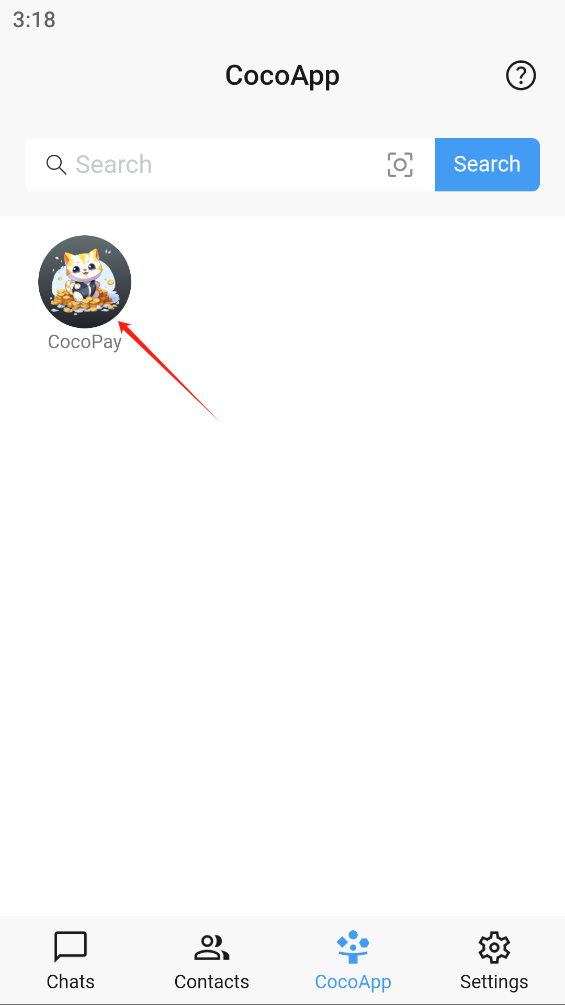
- Click CocoPay
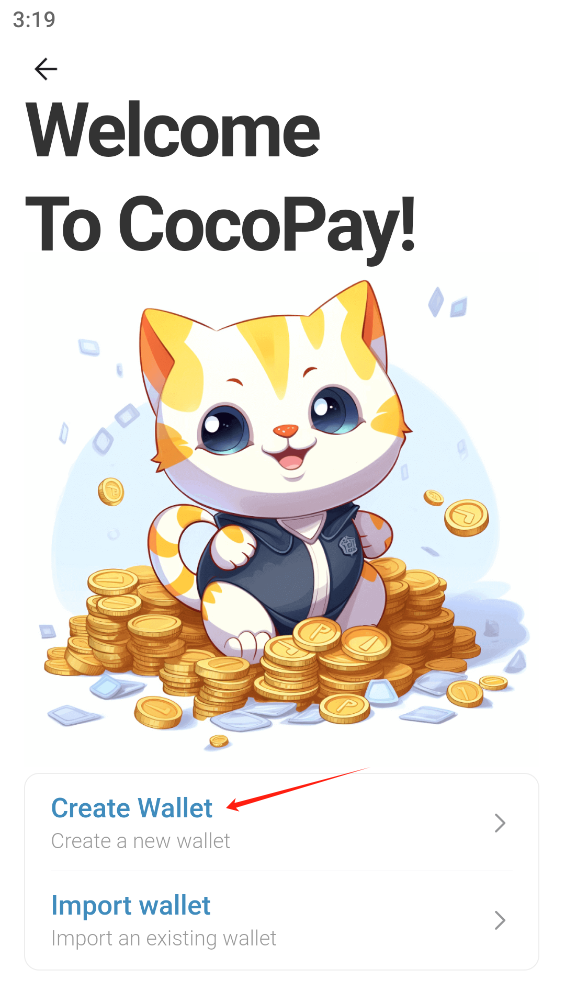
- Click Create Wallet
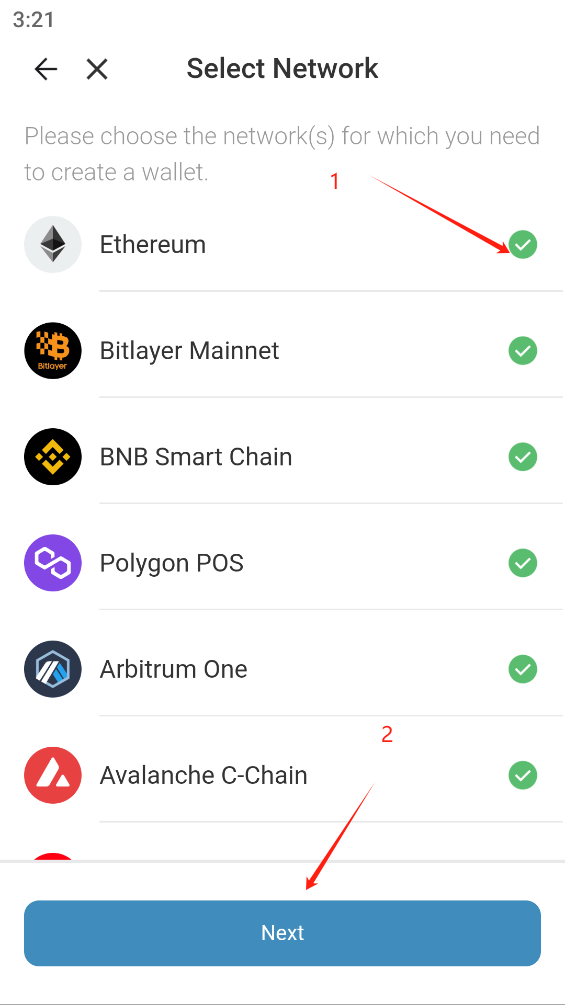
- Select the network (select all here), click Next
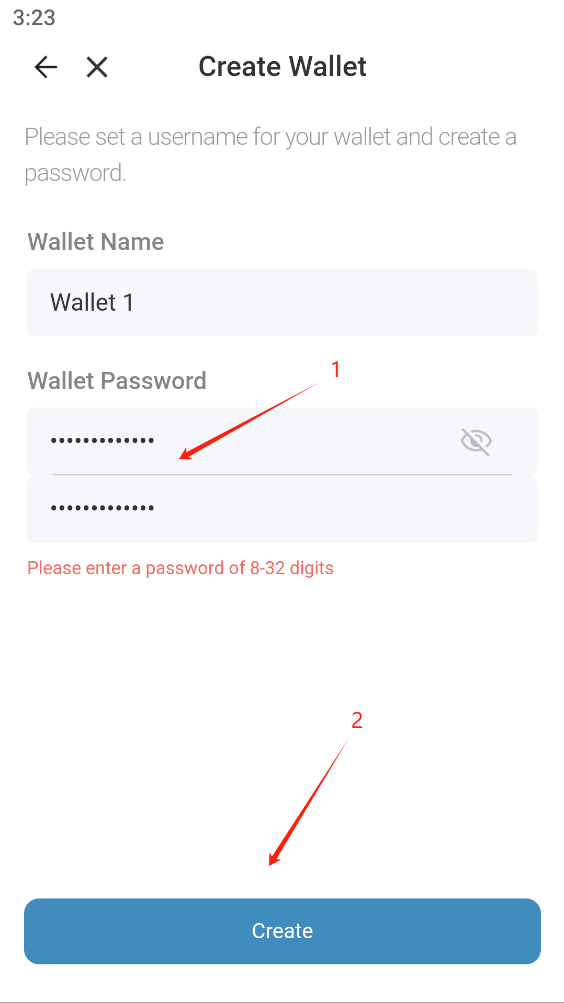
- Enter the password, click Create
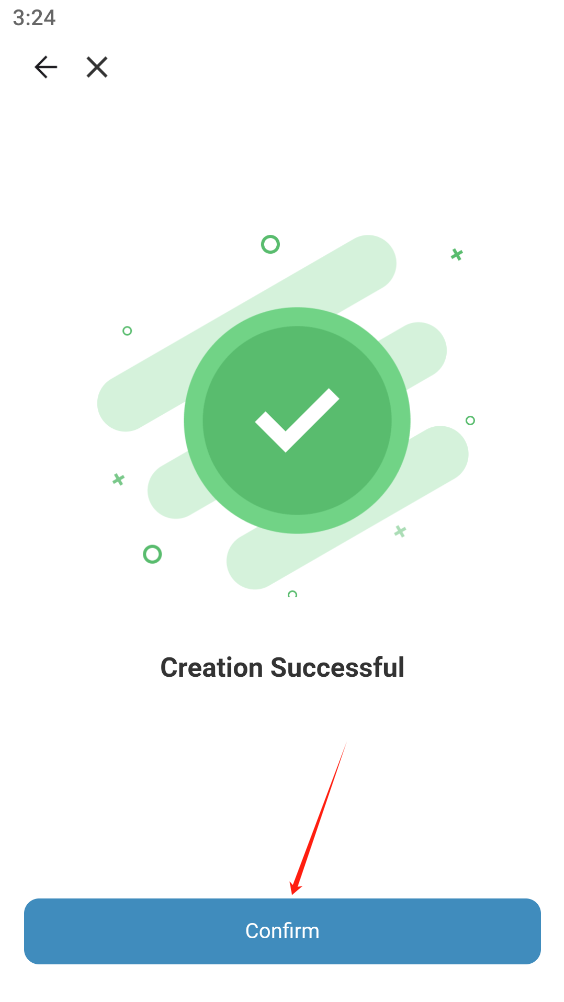
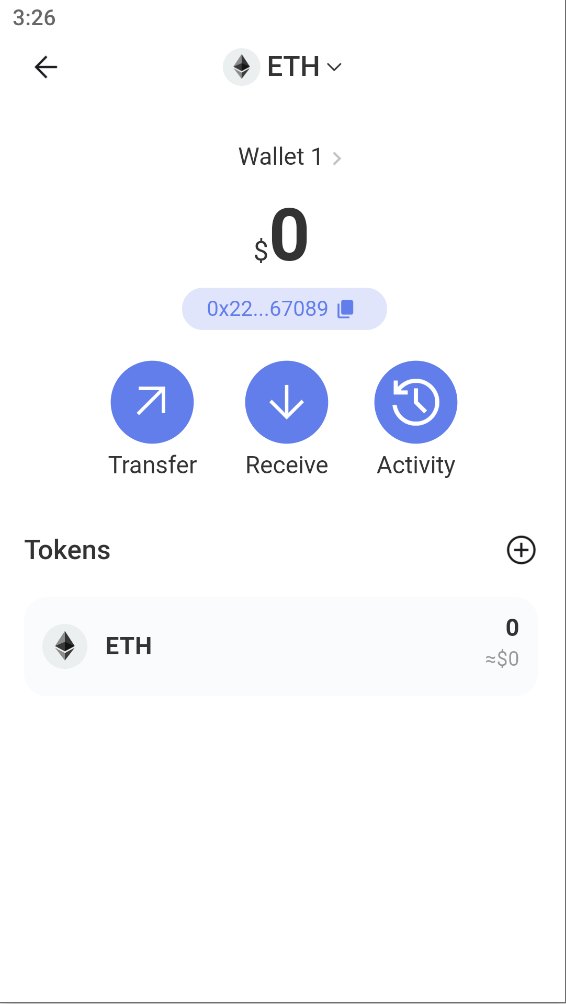
- Creation Successful, click Confirm
Import wallet
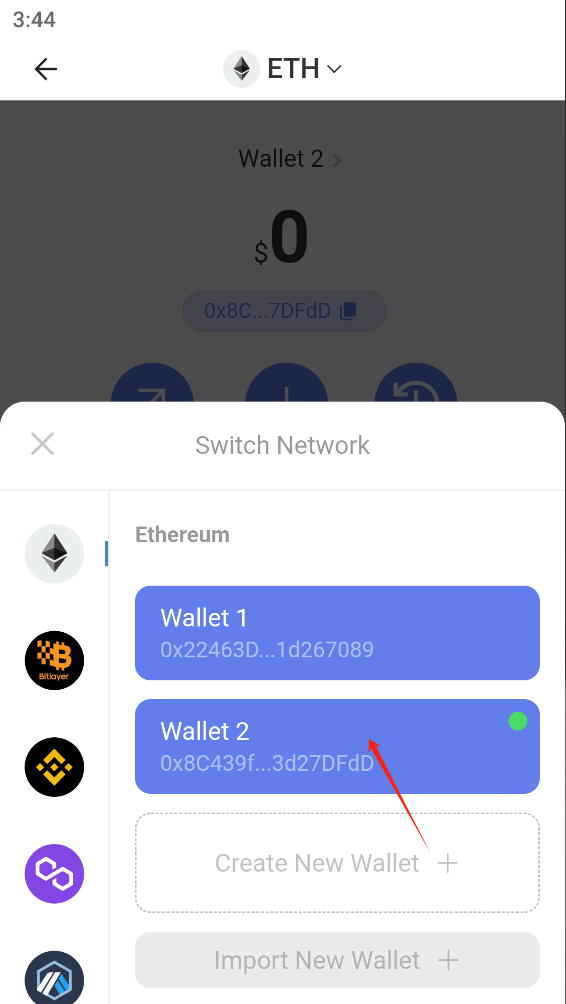
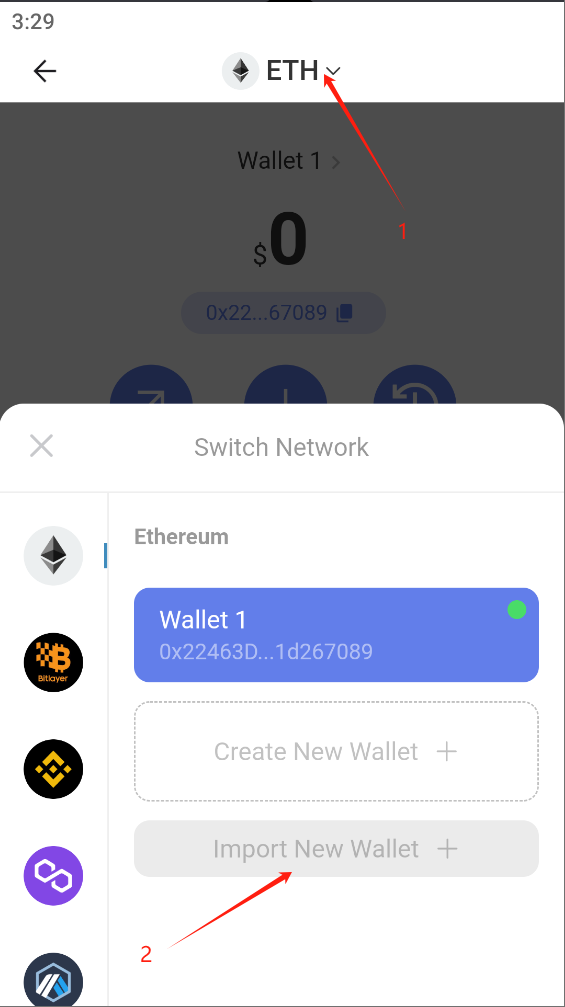
- Click the network, then click Import new wallet
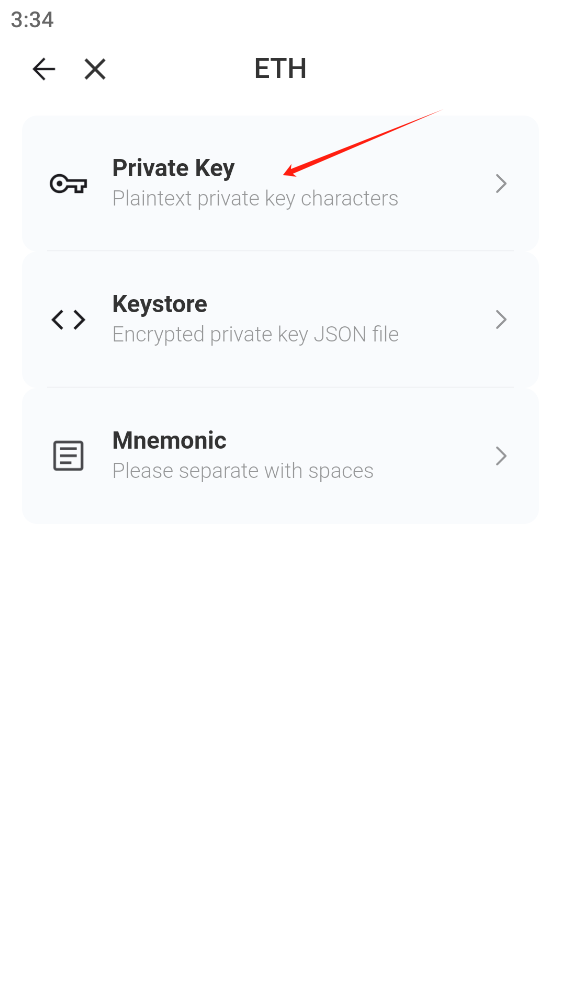
- Select private key import (same for others)
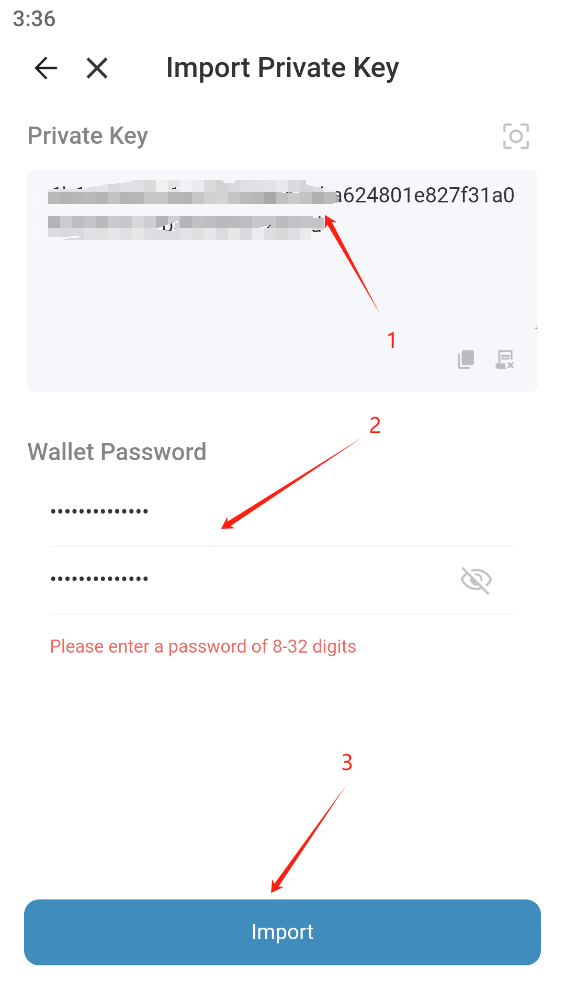
3.Enter the private key, enter the password, and then click Import
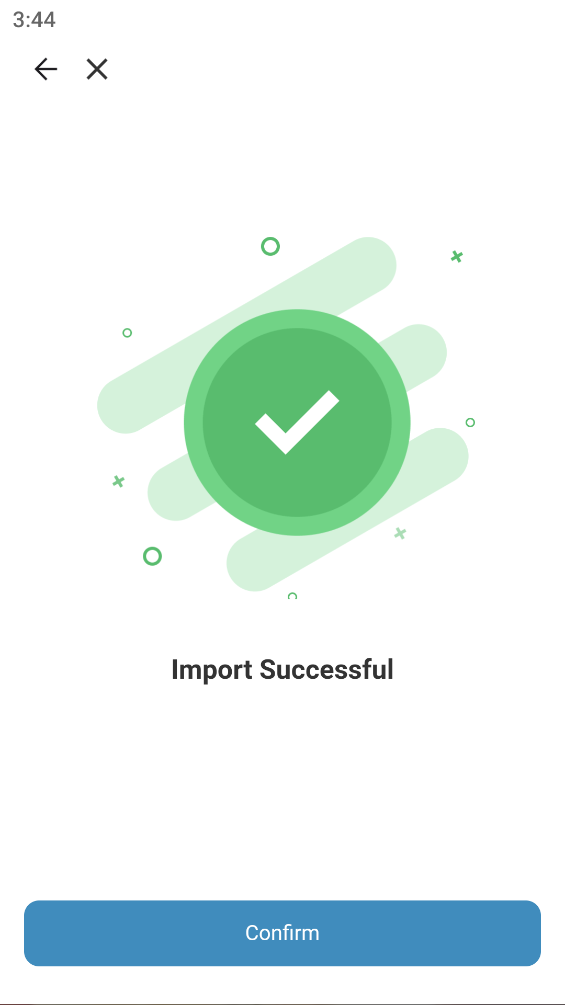
- Import successful